
Threshold Settings
ThirdEye threshold settings help operations teams decide when a monitored value should become an alert, a warning, or simply background telemetry.
Define repeated-condition rules such as "notify when this threshold is exceeded several times within a set window" so noisy spikes do not drown out the alerts your team actually needs.
Threshold Monitoring Capabilities
Use thresholds to turn raw monitoring values into useful operational decisions. Teams can tune alerts around severity, repetition, and context instead of treating every counter change the same way.
-
 Repeated-condition rules
Require a condition to occur multiple times inside a time window before notifying the team, reducing noise from transient spikes.
-
 Counter-level visibility
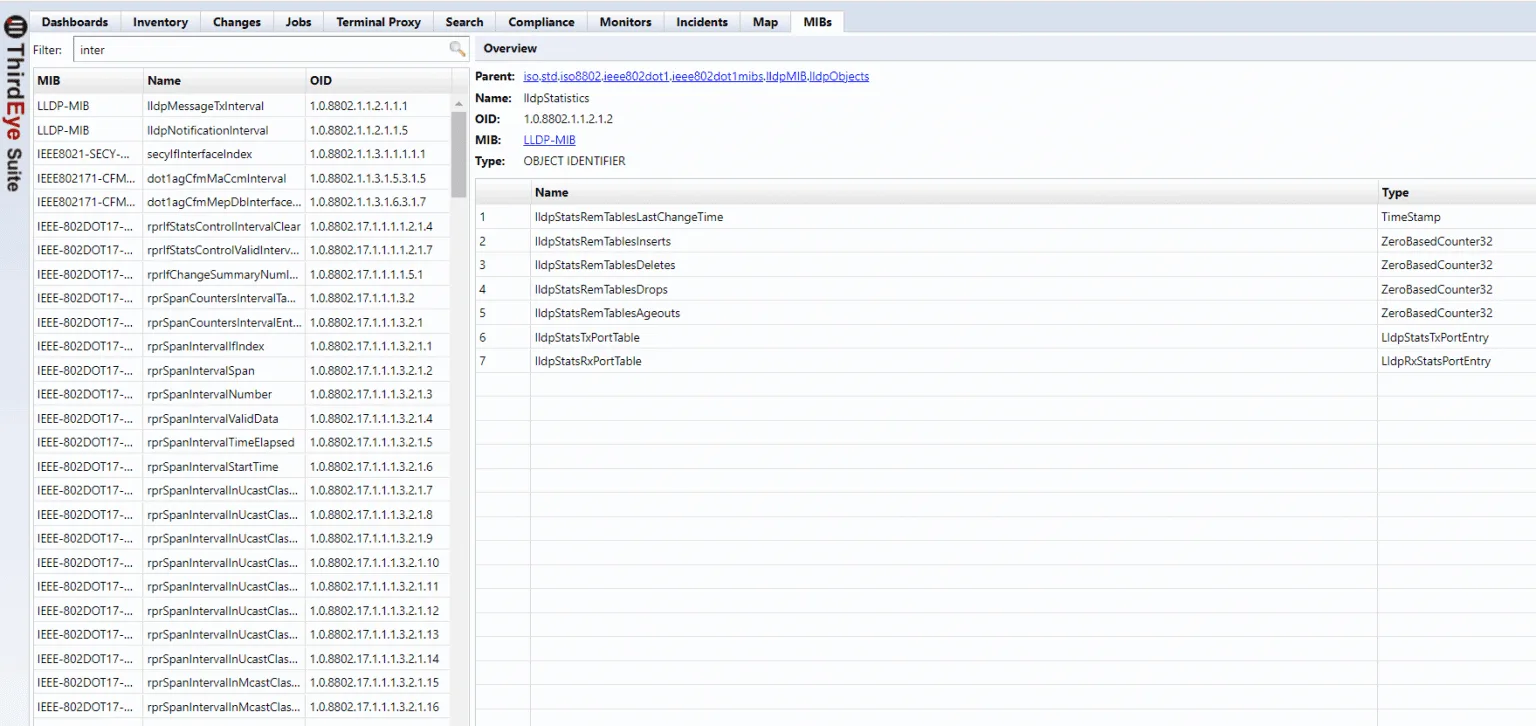
Browse monitored counters and MIB values so threshold rules can be based on the signals that matter for each device or service.
-
 Operational context
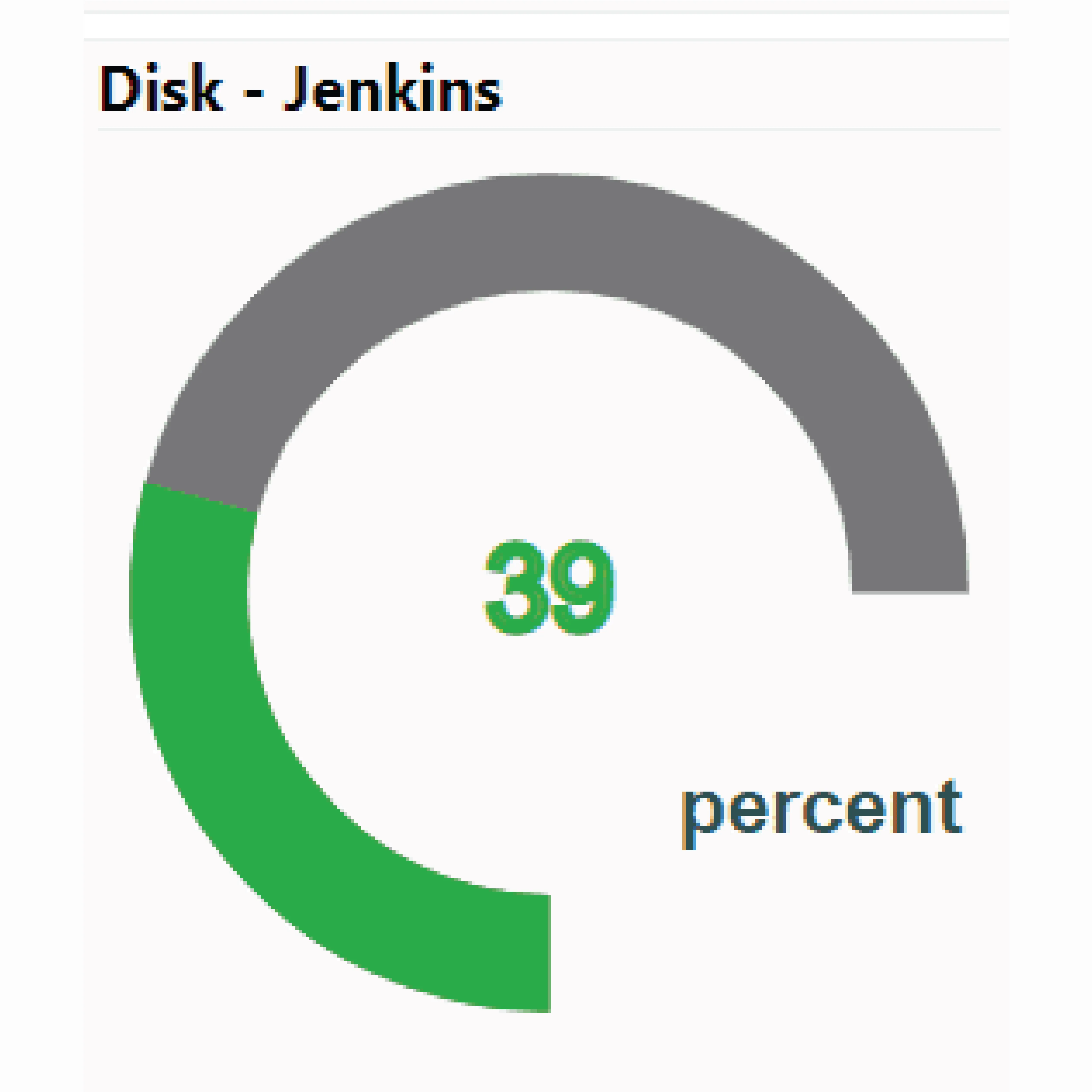
Combine thresholds with dashboards, gauges, and incident views so teams can see what changed and why it needs attention.
MIB Browser Display
The MIB Browser gives teams a searchable view into available MIB objects and counter details. Use it to identify the OID, type, and context behind the values you want to monitor or alert on.

30 Day Free Trial
Understand, monitor, and control your network with ThirdEye, free for 30 days.