
Introducing the LogicVein Sync Manager: Turning Network Intelligence into Action
LogicVein already knows more about your network than any other tool in your stack. It discovers devices automatically, tracks configurations, monitors interfaces, maps relationships, and fires alerts the moment something goes wrong. But that intelligence has traditionally lived inside LogicVein - valuable, but isolated.
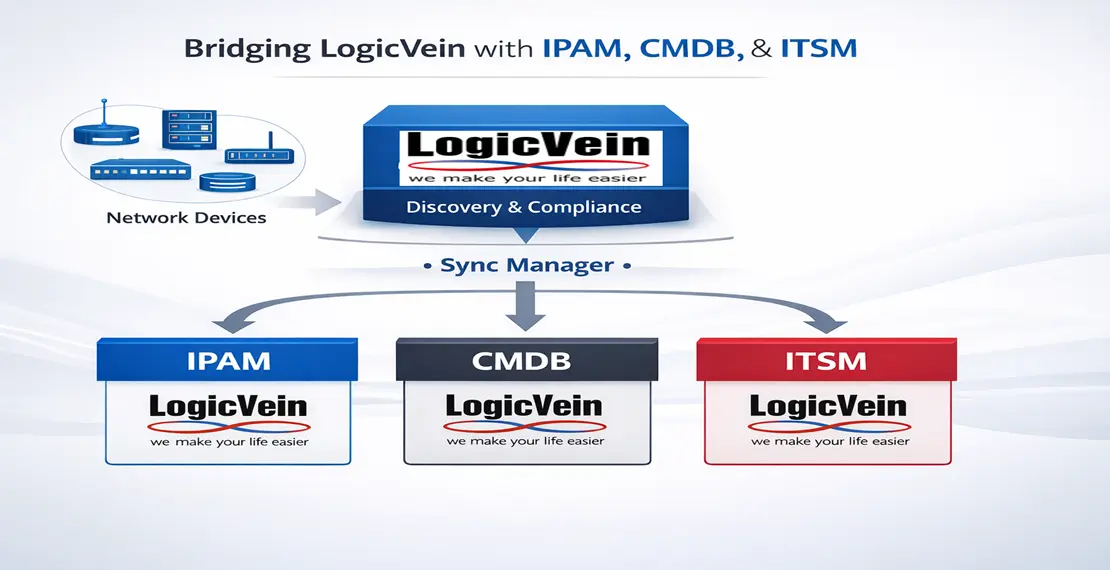
The LogicVein Sync Manager changes that. It connects LogicVein's rich device data to the systems where your organization acts on it: IPAM platforms, CMDB databases, and IT service management tools. And it does it automatically, on a schedule, with a clean browser-based UI - no scripting required.
We're building this as an open community project, and it's coming soon to the LogicVein community. Here's what it does.
Built on the LogicVein API
The first thing that stands out when you start building against LogicVein is how much the platform exposes through its API.
Device inventory, interface details, IP addresses, monitor sets, alert policies, network topology - it's all there, queryable and writable through a well-structured JSON-RPC interface. The Sync Manager's API client covers the full breadth of this surface: device search and enumeration, interface and IP data extraction, alert policy management including webhook action configuration, and monitor set operations. The LogicVein team publishes the NetlD SDK on GitHub as a reference for developers building against this API, and the Sync Manager builds directly on top of it.
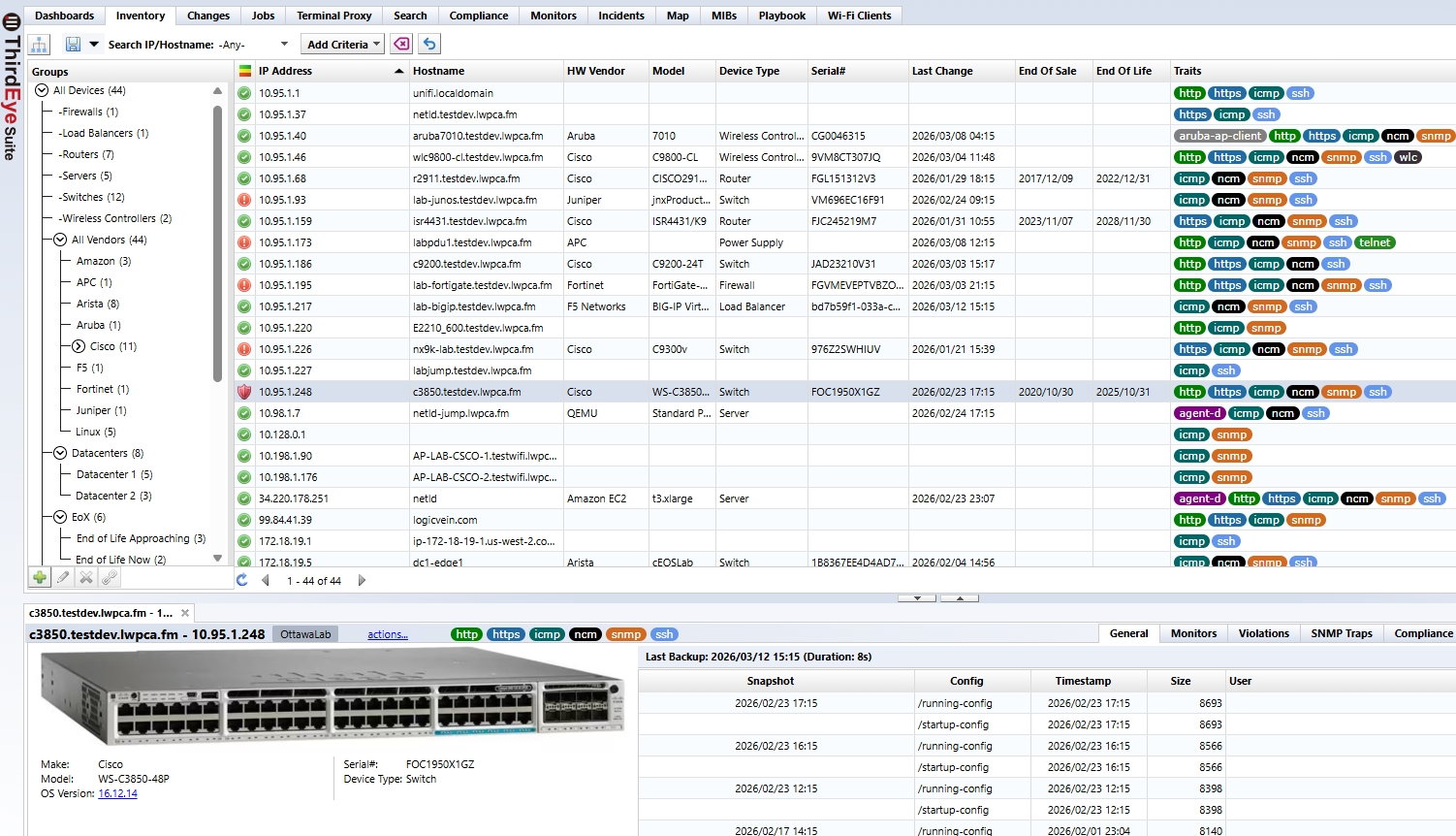
This depth matters because the data flowing into your IPAM and CMDB is only as useful as it is accurate and complete. LogicVein's API delivers both - and the Sync Manager is designed to use all of it.
A Plugin Architecture Built to Grow
The Sync Manager uses a plugin model: each target system is an independent module that handles its own field mapping, API calls, and sync logic. Adding a new target doesn't touch any shared code. Three plugins ship today.
NetBox - DCIM and IPAM Synchronization
NetBox is widely used as the source of truth for physical and virtual infrastructure. Keeping it current with what LogicVein actually sees on the network has always been a manual chore.
The NetBox plugin automates this entirely. For each device LogicVein discovers, the plugin:
-
Creates or updates the device record in NetBox (manufacturer, device type, platform, site, role)
-
Syncs the primary management IP into NetBox IPAM and optionally sets it as the device's primary IP
-
Optionally syncs all interfaces discovered by LogicVein, not just the management interface
-
Maps LogicVein end-of-life and end-of-support dates into NetBox custom fields when lifecycle tracking is enabled
-
Auto-creates missing sites, device roles, manufacturers, and device types so the sync never stalls on missing prerequisites
-
Optionally removes stale devices and IP addresses that are no longer present in LogicVein
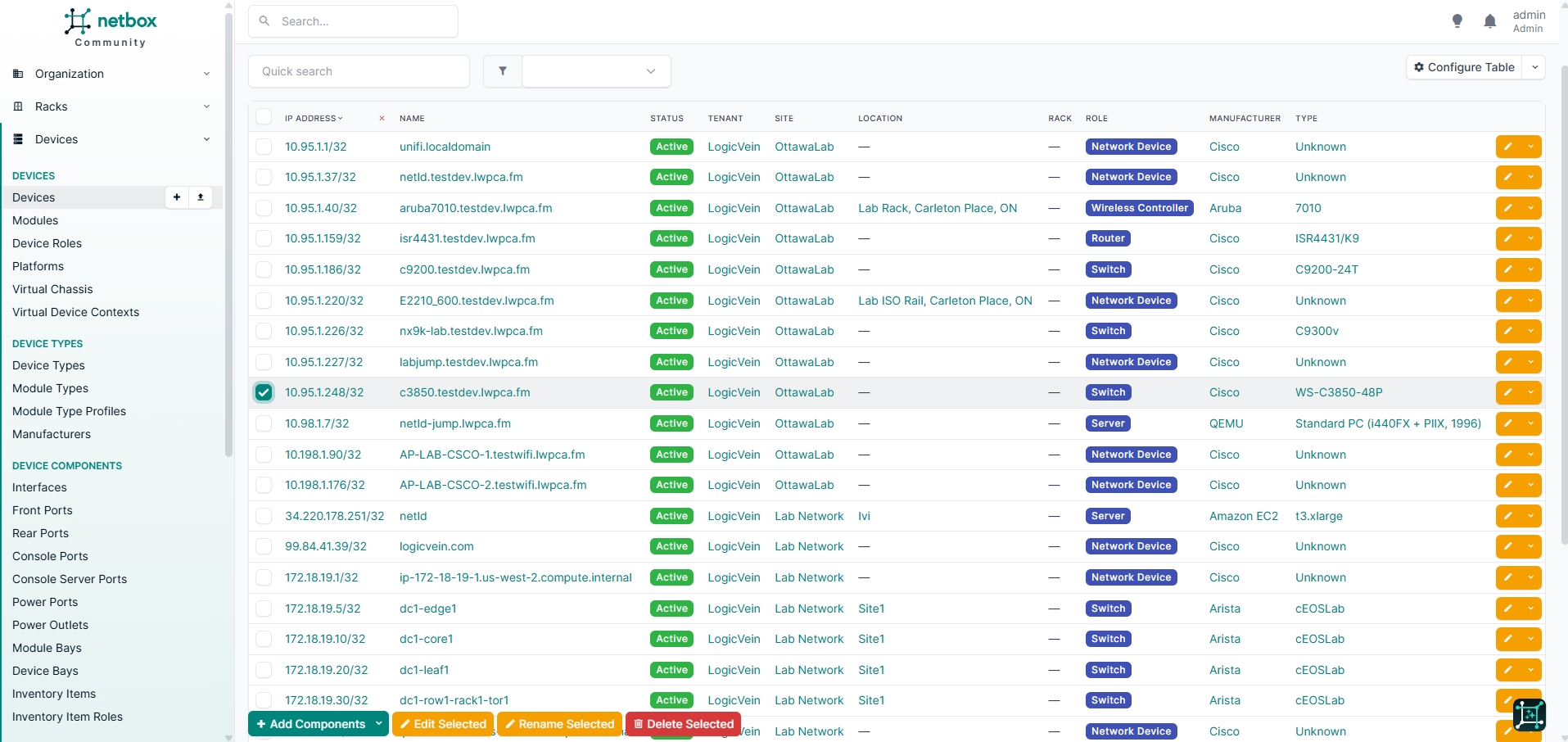
Every field mapping is documented and configurable. The plugin respects your existing NetBox structure - it will update what it knows about without overwriting fields it doesn't own.
Infoblox - IPAM Discovery Records
Infoblox IPAM is often the authoritative record for IP allocations across the enterprise. The Sync Manager's Infoblox plugin feeds it with the live IP data LogicVein maintains.
For teams migrating away from NetMRI, this plugin is a drop-in replacement for NetMRI's device sync functionality with Infoblox NIOS Grids. The same discovery data that NetMRI previously pushed into Infoblox is now sourced directly from LogicVein, with no change to the Infoblox side of the integration.
For each discovered device, the plugin writes a discovery data record into Infoblox, associating the IP with a hostname, MAC address, OS version, and other device attributes. Discovered IPs can optionally be promoted to full host records, with a configurable domain suffix applied for FQDN construction.
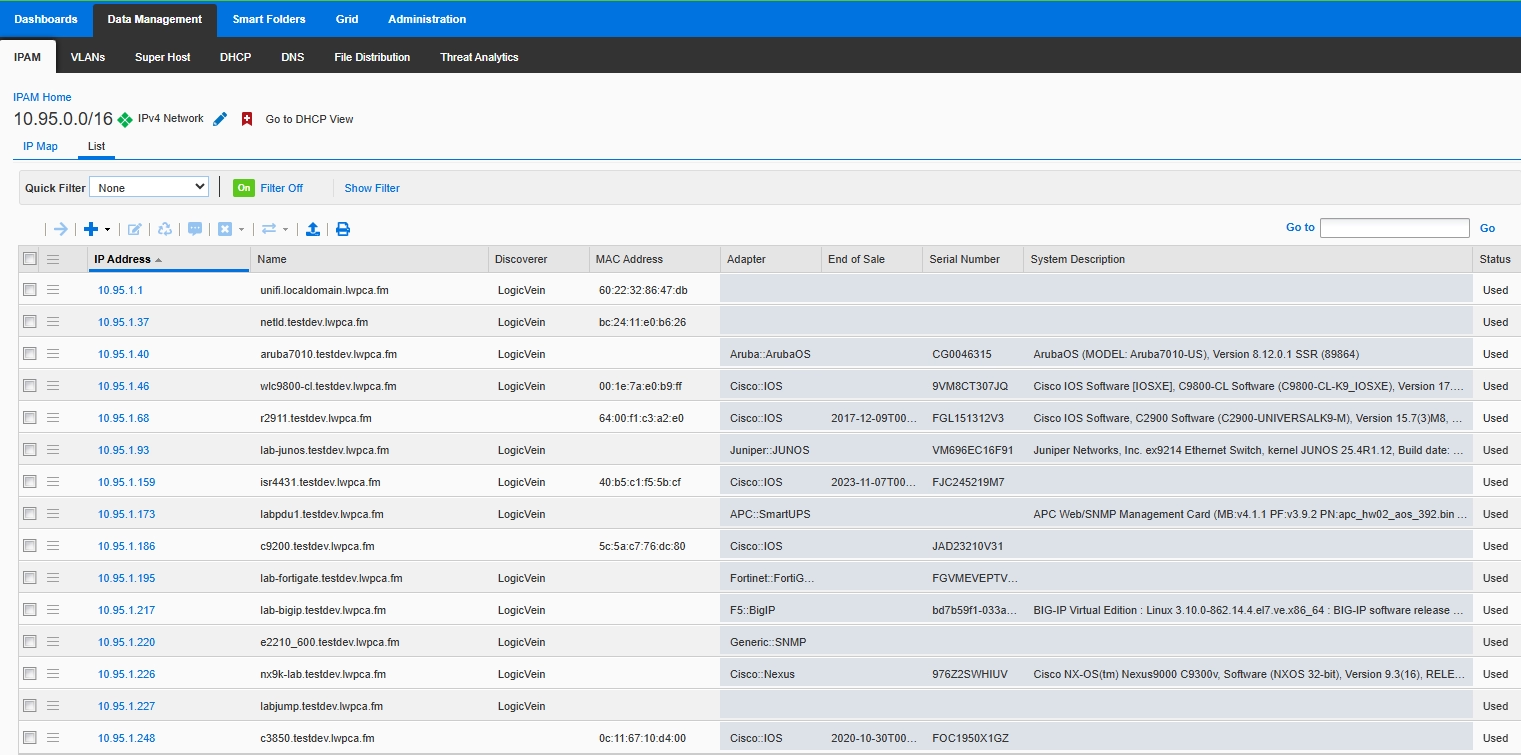
This closes the gap between what Infoblox thinks is on the network and what LogicVein has actually seen - without anyone having to export a spreadsheet.
ServiceNow - CMDB Synchronization and Live Incident Management
ServiceNow integration runs deeper than the other two plugins, because ServiceNow is where the business acts on network events in two distinct ways.
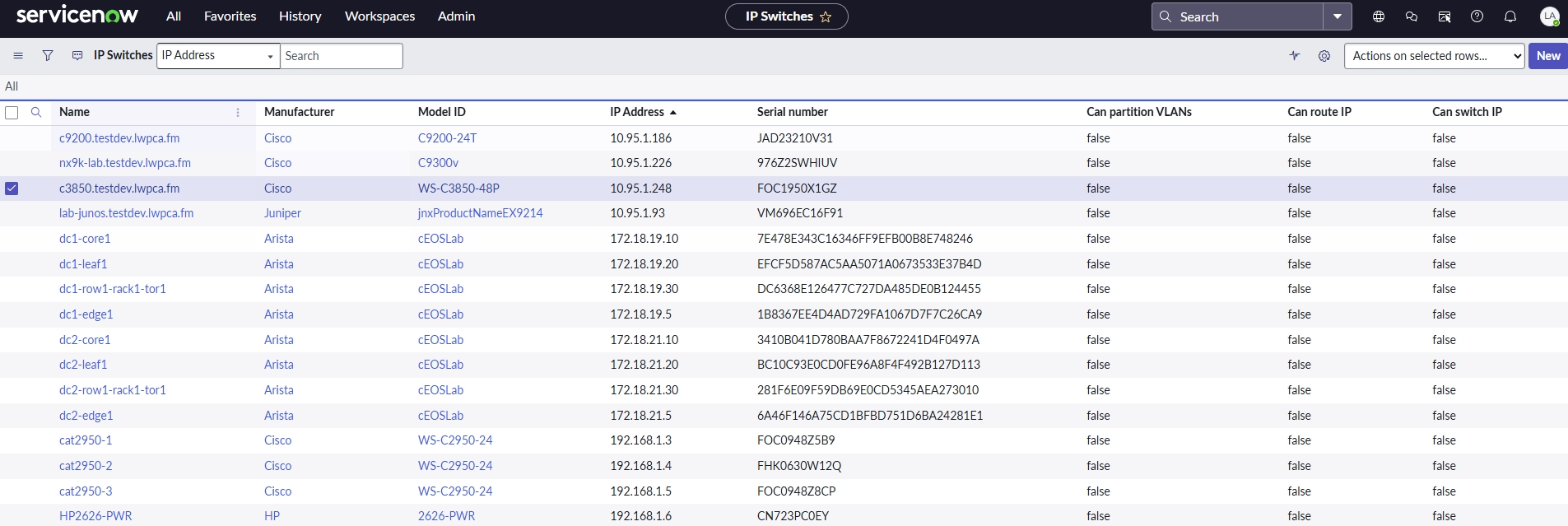
CMDB Sync: The plugin maps LogicVein devices into ServiceNow's CMDB using the correct CI class for each device type. Routers, switches, firewalls, and other device categories each land in the appropriate table (cmdb_ci_ip_router, cmdb_ci_ip_switch, and so on), with a configurable mapping for your environment. Fields synced include name, IP, manufacturer, model, serial number, OS version, and more.
Real-Time Alert → Incident Webhook: Sync Manager also exposes a webhook endpoint that LogicVein Alert Policies can call directly. This turns every LogicVein alert into a ServiceNow incident - automatically.
The lifecycle maps cleanly to how ITSM teams work:
| LogicVein Event | ServiceNow Action |
|---|---|
| Alert first fires | New incident created with severity, node, and description |
| Violation continues | Work note added to the existing incident (rate-limited to avoid noise) |
| Alert clears | Incident resolved automatically |
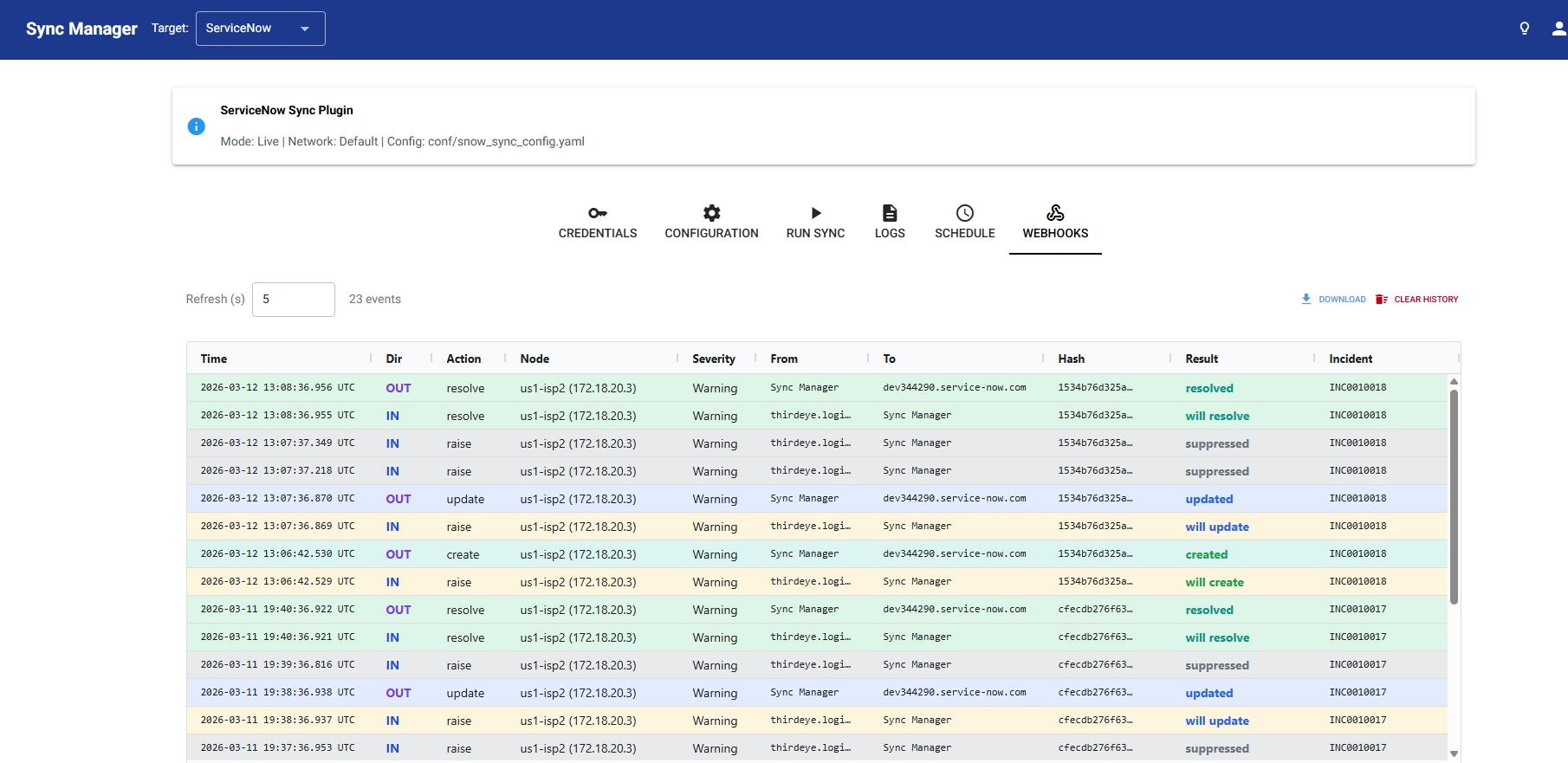
Duplicate incidents are prevented through LogicVein's correlation hash - the same hash that deduplicates alerts in LogicVein is used as the ServiceNow correlation_id, so repeat firings update the same ticket rather than creating new ones.
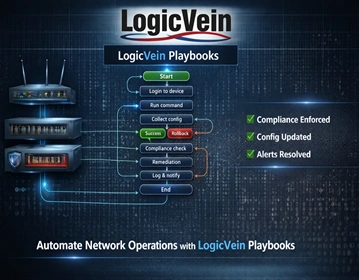
Coming soon: The roadmap includes bi-directional ServiceNow integration - triggering LogicVein remediation jobs and Playbooks directly from a ServiceNow incident. This will close the loop entirely: LogicVein raises the incident, and ServiceNow operators will be able to kick off the fix without ever leaving their ITSM workflow.
A Browser-Based UI That Doesn't Require a Developer
The Sync Manager ships with a full browser-based interface. From a single screen you can:
-
Enter and save credentials for LogicVein and your target system
-
Run an on-demand sync with one click
-
Preview changes before committing them - the dry run mode shows every create, update, and delete that would occur, without touching the target system
-
Export the current LogicVein device list as a CSV directly from the preview
-
Configure a schedule (cron-style) so syncs run automatically
-
Watch the log output in real time
-
Cancel a running sync safely, without leaving partial state
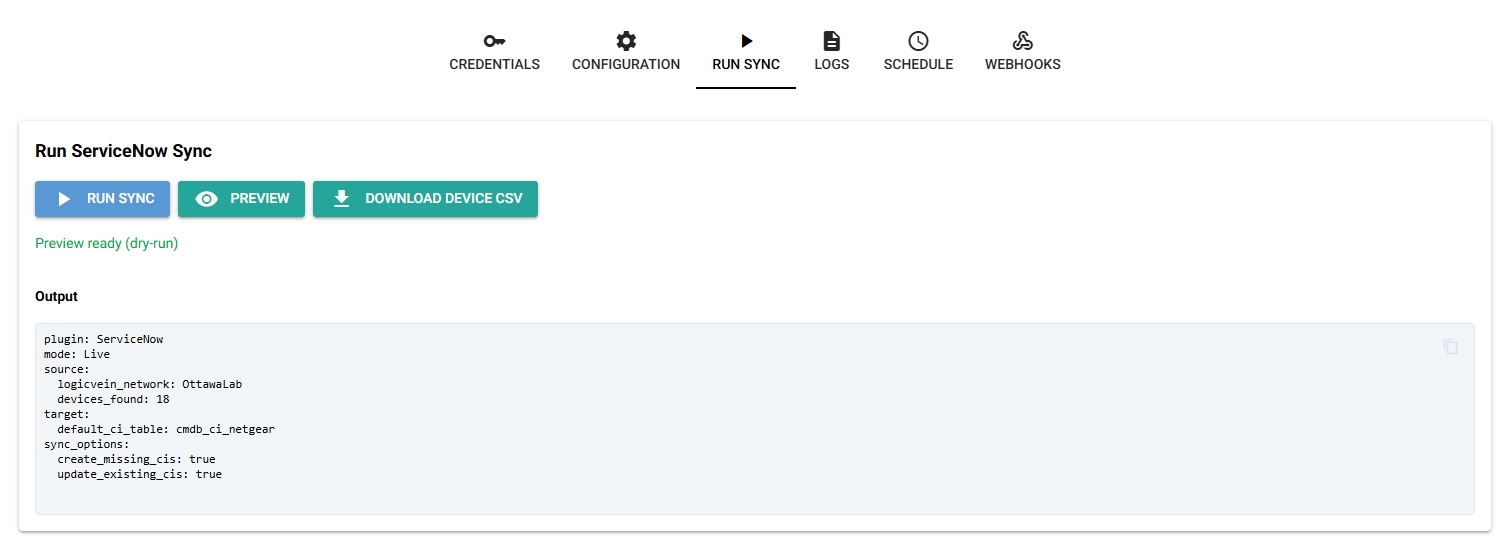
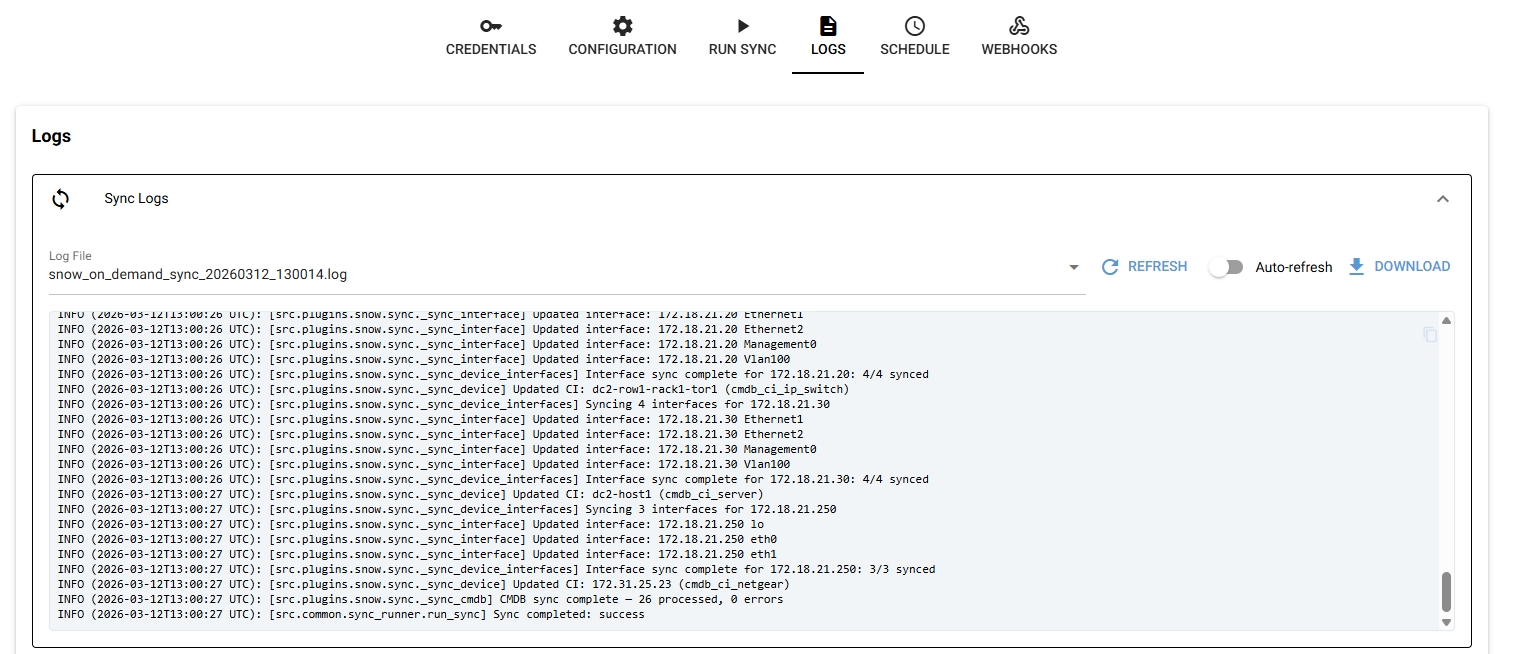
The UI also enforces sensible guardrails: only one sync per plugin runs at a time, and scheduled and on-demand jobs respect each other's locks so you never get two syncs racing against the same target.
CLI and Docker for Automation and Deployment
For teams that want to drive syncs from existing automation pipelines, the CLI provides the same functionality:
"python -m src.cli.sync --plugin netbox
python -m src.cli.sync --plugin servicenow --dry-run"
Docker Compose files are included for straightforward containerized deployment, with environment-variable-based configuration and support for running all three plugins from a single container. A LogicVein-managed container image will be publicly hosted on Docker Hub, so getting started is as simple as pulling the image and providing your credentials.
Security First
Credentials are never stored in config files - they're read from environment variables or entered directly in the UI. The webhook endpoint supports an optional shared secret (X-Webhook-Secret) for request validation. The webhook route itself is absent entirely when webhooks are not enabled, so there's nothing to secure if you're not using it.
Coming to the LogicVein Community
The Sync Manager will be released to the LogicVein community as an open project on the LogicVein GitHub. The plugin architecture means the community can contribute new targets - BlueCat, Nautobot, phpIPAM, and others are natural candidates - without touching the core sync engine or UI.
If you're running LogicVein and maintaining a NetBox, Infoblox, or ServiceNow environment today, you already have everything this tool needs. Watch this space for the release announcement.
Ready to See More?
Whichever approach fits your environment, LogicVein supports it. Watch our series of videos here or see all our features here to see how LogicVein can simplify your network operations while keeping access tightly controlled. Ready to see LogicVein in action? Request a Demo and discover how you can simplify operations, improve reliability, and gain full network visibility.
LogicVein Sync Manager is an independent project and is not affiliated with or endorsed by Infoblox, Inc., ServiceNow, Inc., or NetBox Labs, Inc. Infoblox and NIOS are trademarks of Infoblox, Inc. ServiceNow is a trademark of ServiceNow, Inc. NetBox is a trademark of NetBox Labs, Inc.